

Software
Desktop software3112 Weapon Sound Packs
A desktop tool for building GTA V weapon sound packs: drop in sounds by weapon type, hear them, and install the pack.
A Windows app from the 3112 brand for making weapon sound packs: fifteen categories from headshots to footsteps, a waveform player for every slot, a browser for the game's own audio, a loudness check against the game, and one-click install into GTA V.
Desktop software — designed and built by TrueFrame Studio
- Type
- Desktop software
- Category
- Software
- Platform
- Windows desktop app
- Disciplines
- Custom Software, UI/UX Design
Screen recording
The real app, recorded: from sign-in through its main tools. Muted.
01Key features
What it does.
- 01
Fifteen sound slots
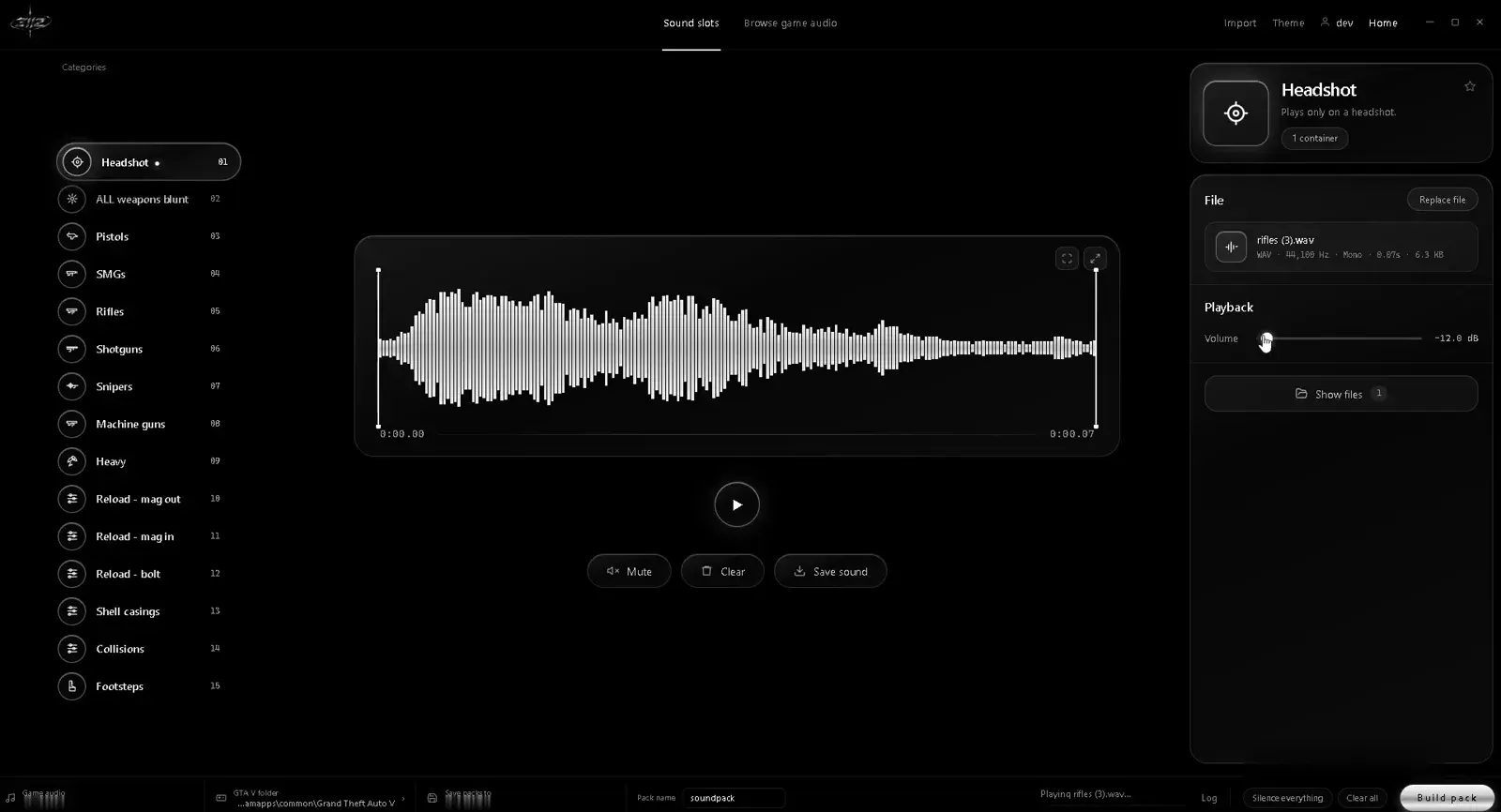
Headshots, every weapon class, reloads, shell casings, collisions and footsteps, each with its own slot.
- 02
Waveform player
Every slot shows its sound as a waveform, with playback, mute and volume.
- 03
Game audio browser
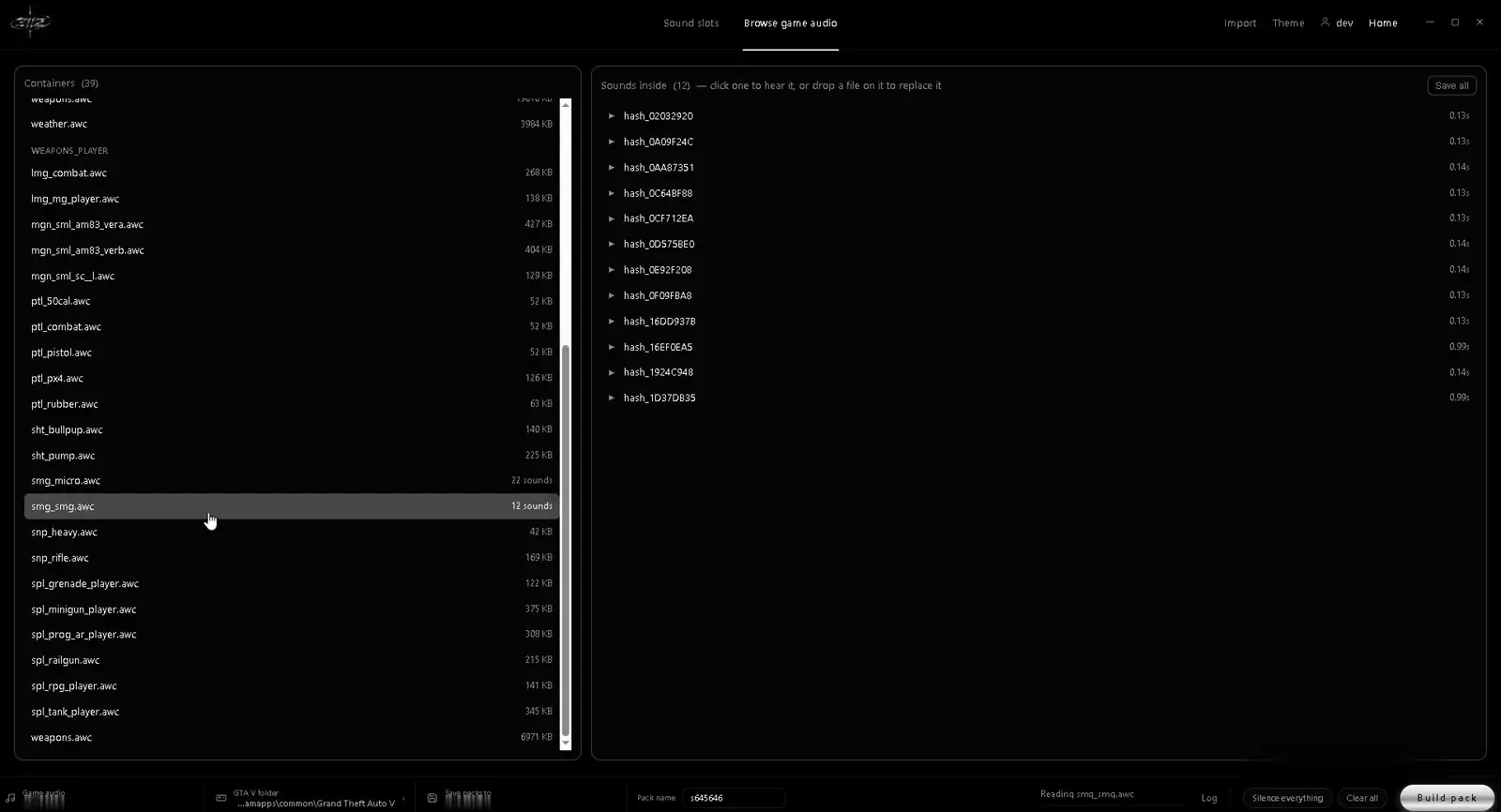
Browse the game's audio containers and sounds to hear exactly what you're replacing.
02Screens
Inside the product.
03Under the hood
How it was made.
3112 Weapon Sound Packs lets players replace GTA V's weapon sounds with their own. Each category, from pistols, rifles and shotguns to reloads, shell casings, collisions and footsteps, has a slot to drop a sound into, with a waveform, playback and volume.
01Brief and goalsWhat the app is built to do
A browser lists the game's own audio containers and sounds, so players can hear what each one replaces. The app warns when a pack is louder than the game and can match the game's volume, then builds the pack and installs it into the GTA V folder, and it can put the original files back at any time.
Goals
- 01
Make swapping a weapon sound as simple as dropping in a file.
- 02
Let players hear every sound before it goes into the game.
- 03
Install packs safely, with a way back to the original sounds.
02Build and technologiesCustom Software · UI/UX Design
Services delivered
03ProcessDiscover · Plan · Design & Develop · Launch & Support
01Discover
Start from how players make sound packs today: digging through game files and testing in game.
02Plan
One screen of slots by weapon type, a browser for the game's audio, and a build-and-install step.
03Design & Develop
A minimal monochrome interface around the waveform, then the audio import, the game audio browser, loudness matching and the installer.
04Launch & Support
Ship it as a Windows app with licence sign-in for the 3112 community.